




A Cyberpunk 2077 hero looks up at a Night City tower

Cloud gamingmaxed out

Cyberpunk 2077, Black Myth: Wukong and CS2 in 4K at 120+ FPS on an RTX 4090. Start in a minute with no downloads or upgrades, and pay only for the time you play.

  • Ping from 5 to 15 msmachines in your region
  • Up to 4K · 120–240 FPSRTX 4070 Ti, 4080 Super, 4090
  • Your own accountsSteam, Epic Games, Battle.net
  • Per-minute billingno subscriptions, top up from $1.11

Check your connection for free

In a couple of seconds we measure the speed and stability of your internet and tell you what quality to expect. No sign-up, no payment.

  • Moscow
  • Saint Petersburg
  • Kazan
  • Novosibirsk
  • and more cities
Your connectionReady
—Mbps
Server response
—
Stability
—

Like your own PC, only stronger

The game runs on a powerful RTX machine, and you get a clean high-quality picture.

A scene from Cyberpunk 2077
Saves in the cloud

Your accounts and saves

Sign in to your own Steam, Epic Games or Battle.net. Your saves go to the cloud, and Discord voice works without delay.

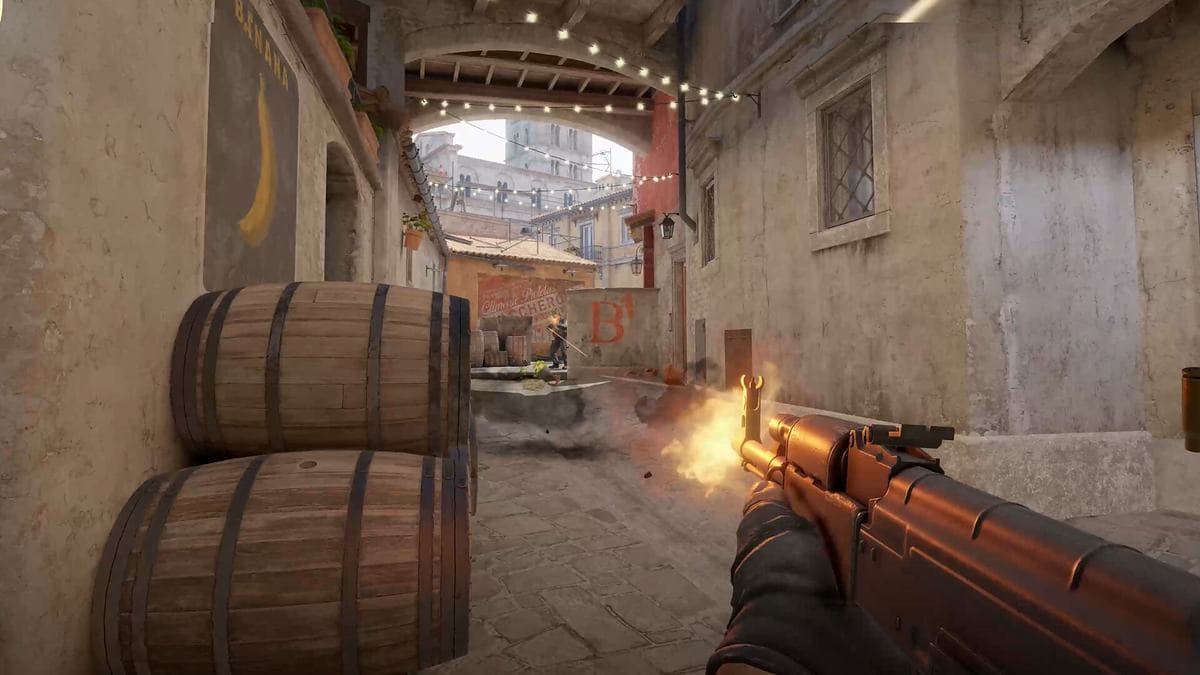
A scene from Counter-Strike 2
240 FPS · AV1

Real 120–240 FPS, no blur

A direct 4K stream on the AV1 codec. No cut-down server cards: you play on full RTX 4070 Ti, 4080 Super and 4090 cards.
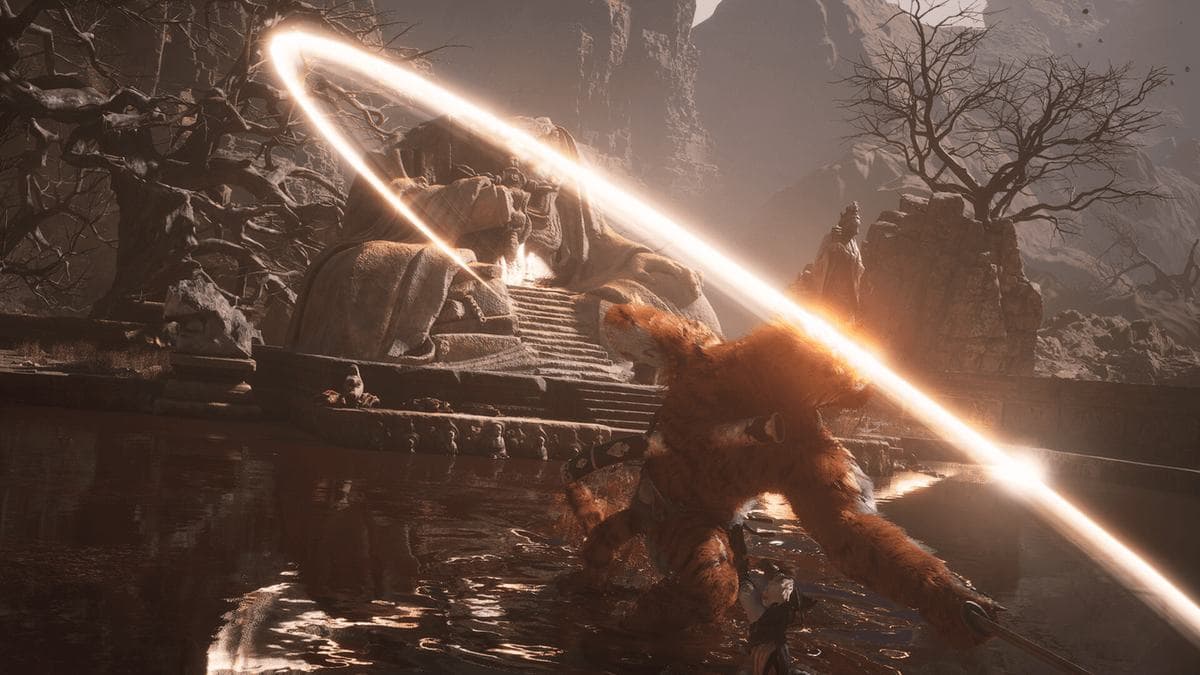
A scene from Black Myth: Wukong
Balance$13.78enough for 6 h 53 min on an RTX 4070 Ti

Pay only for minutes in game

Top up from $1.11. Leave the game early and every last kopeck of the rest stays on your balance. No subscriptions.

Three steps to play

From sign-up to your first match takes a couple of minutes.

  1. Pick a game and a machine

    See the GPU, ping and price of every machine, and which games are installed on it.

  2. Top up your balance

    From $1.11 with any card. Money is charged per minute, only while you play.

  3. Play

    The launcher connects to the machine by itself. Sign in to your account and launch the game.

Choose your power

No subscriptions. You pay per minute for time on the machine you pick.

RTX 3060

Esports and 1080p

$1.11/ hour

≈ $0.02 a minute

  • 1080p · up to 144 FPS
  • Ryzen 5 5600 · 16 GB
  • CS2, Dota 2, Valorant
Play on RTX 3060
Most popular

RTX 4070 Ti

New releases in 1440p

$2.00/ hour

≈ $0.03 a minute

  • 1440p Ultra · 120–240 FPS
  • Ryzen 7 5800X3D · 32 GB
  • DLSS 3 and frame generation
Play on RTX 4070 Ti

RTX 4080 Super

4K and high frame rates

$2.78/ hour

≈ $0.05 a minute

  • 4K · 120 FPS, 1440p · up to 240 FPS
  • Ryzen 7 7800X3D · 32 GB
  • Path tracing
Play on RTX 4080 Super

RTX 4090

Everything maxed out

$3.22/ hour

≈ $0.05 a minute

  • 4K Ultra · 120–240 FPS
  • Ryzen 9 7950X3D · 64 GB
  • Every setting on max
Play on RTX 4090

Build a PC or play in the cloud?

A gaming PC for 4K costs as much as a good used car. In the cloud you only pay for the hours you actually play.

Your own 4K gaming PC
$2,978 up front
  • You pay the whole sum even if you play a couple of evenings a week
  • In a couple of years you need a new graphics card again
  • Noise, desk space and the electricity bill
CloudGaming
from $1.11 an hour
  • $2,978 is about 1,490 hours on an RTX 4070 Ti
  • Always current hardware: RTX 4070 Ti, 4080 Super, 4090
  • Play from a laptop on the couch, on a trip, anywhere

A 4K build with an RTX 5070 Ti at DNS prices in Russia, autumn 2026: Rozetked.

FAQ

Didn't find your answer? Write to support.

How do I play Cyberpunk 2077 on a weak laptop?
Download the launcher, pick a machine with an RTX card and start the game. It runs on the remote computer, and your laptop only shows the picture and sends your input. Windows 10/11 and 15 Mbps are enough for 1080p, 30 for 1440p and 50 for 4K.
Which devices does it work on?
The launcher is available for Windows 10 and 11 today. Linux and macOS versions are in development.
Which launchers are supported?
Steam, Epic Games and Battle.net. You sign in to your own account and your saves load from the platform's cloud. Two-factor protection on your account is a good idea, as on any other computer.
How am I charged?
You top up from $1.11 and play. Money is charged per minute while the session runs. Leave early and the rest stays on your balance.
Whose computers are these?
Powerful gaming PCs that members of the network rent out. The catalog shows the specs and rating of every machine, so you know in advance what you will play on.
What if the connection drops?
The session holds for a while. Reconnect and you are back in the same game, right where you left off.

Have a powerful gaming PC?

Rent it out when you are not playing yourself and get 85% of every session.

Become a host

Your next match in a minute

Download the launcher, pick a machine and play on ultra settings wherever you like.

Windows 10 and 11. Linux and macOS versions are in development.

Cloud gaming maxed out: play on an RTX 4090 from any laptop | CloudGaming